
Centro 2025 End-of-Year Product Review
What You Might Have Missed
As teams continue to live inside Slack and Microsoft Teams, Centro has stayed focused on a simple goal:
Bringing Salesforce work into the tools your teams already use—without friction.
If you haven’t checked in recently, here’s a look at what we shipped this year and how customers are using these capabilities in real workflows today.
🚀 General Updates (Slack & Microsoft Teams)
Broadcast Messages
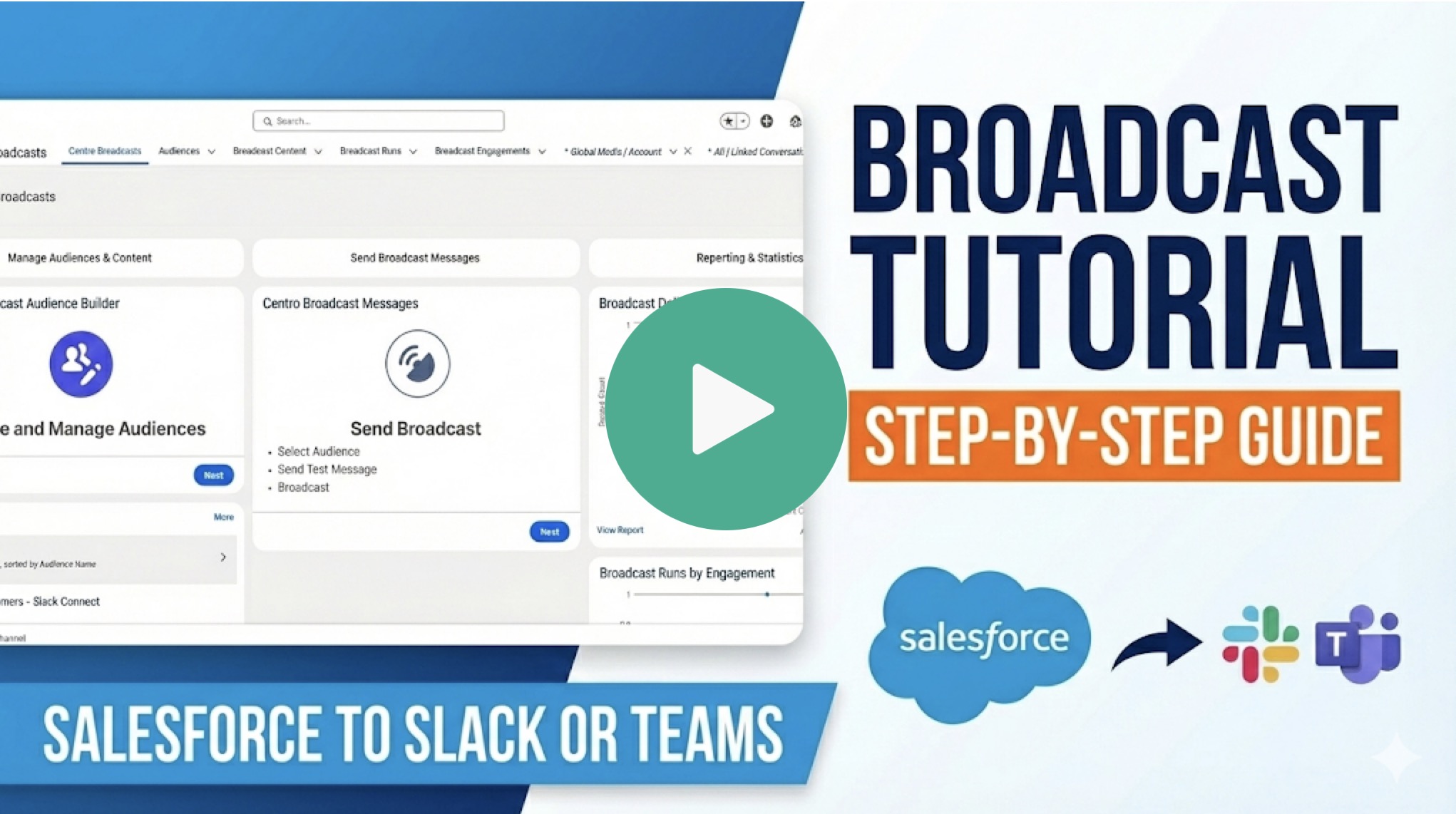
Broadcast Messages are designed for moments when clarity and reach matter—without the overhead of manual posting or missed audiences.
Common use cases include:
- Customer or partner updates
- Incident notifications
- Vendor communications
- Internal announcements tied to Salesforce events
No copy-paste. No guessing who saw what. Just one action, delivered everywhere it needs to go.
Beautiful Salesforce Tables in Chat
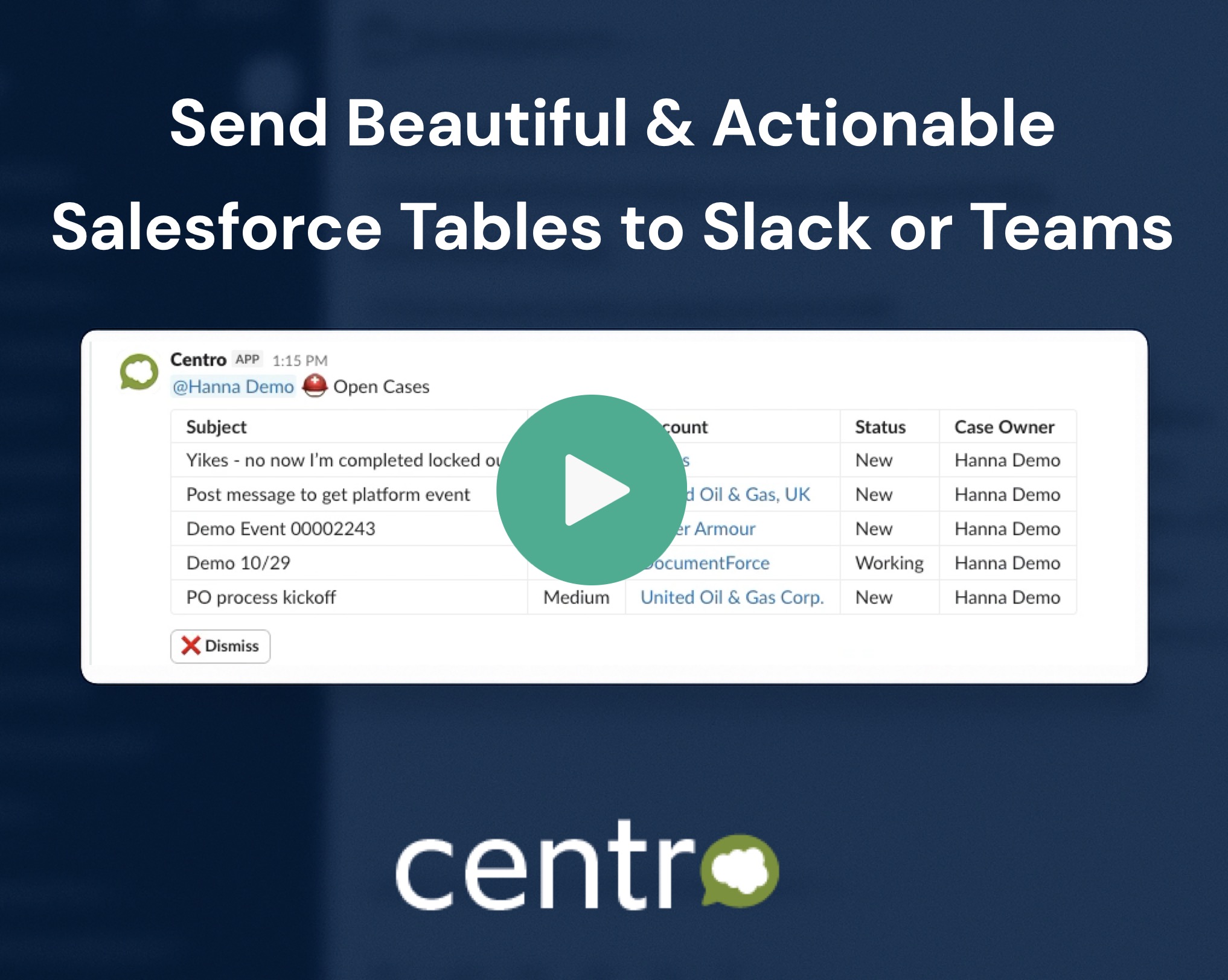
Instead of flattened text or screenshots, your teams see structured data that’s easy to scan and act on.
Teams use this for:
- Open cases or deals
- Daily or weekly reports
- Task or approval queues
The result: Salesforce data that actually works in chat—clear, readable, and actionable.
Unbounded Centro Forms
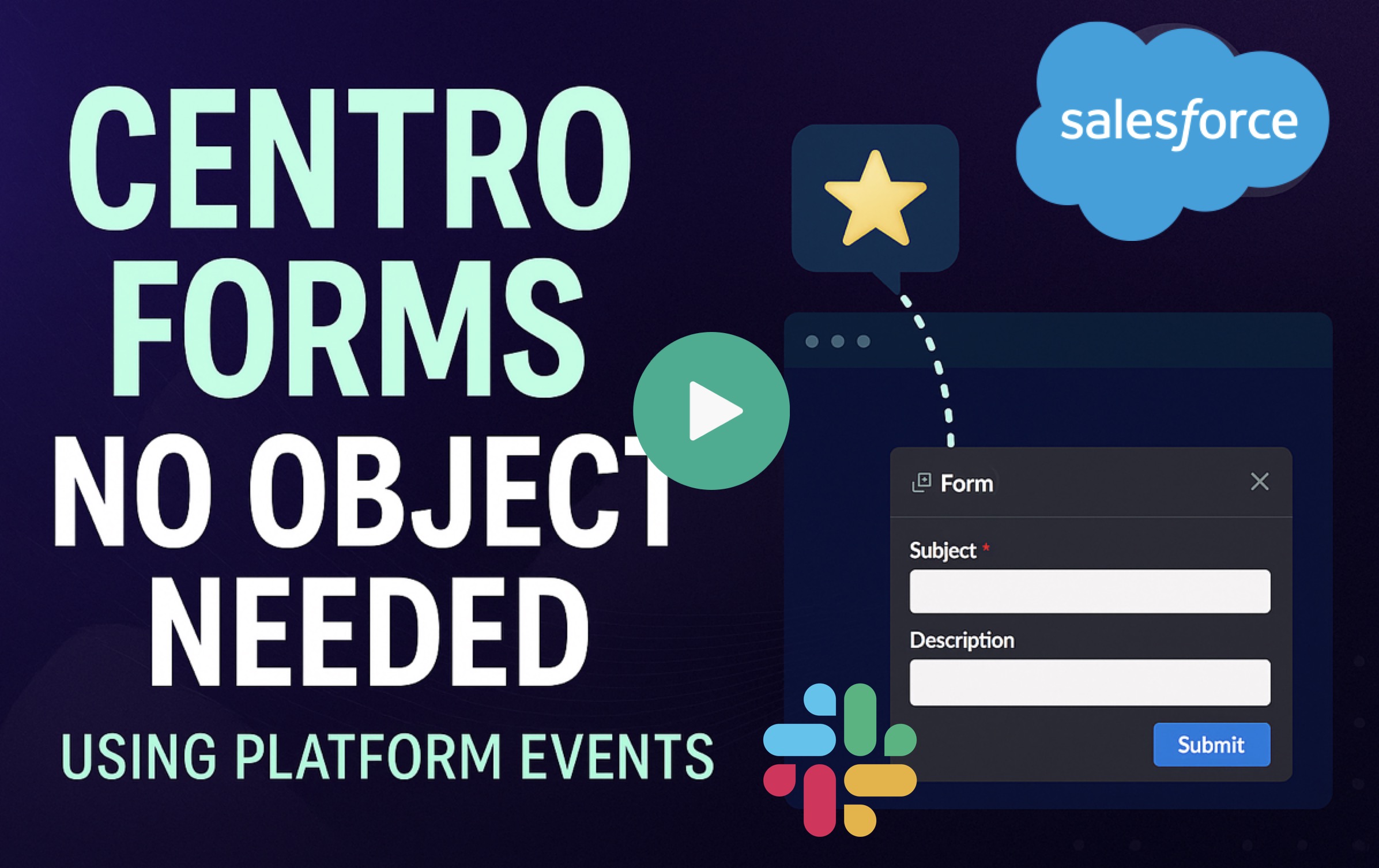
This unlocks far more flexibility in how teams collect information and initiate workflows.
What this enables:
- Intake forms for requests, triage, or routing
- Flexible data capture before a record exists
- More control over when and how Salesforce records are created
It’s a foundational change that makes chat-based workflows easier to design and scale.
💬 Slack-Specific Updates
A Single Entry Point for Multiple Centro Forms
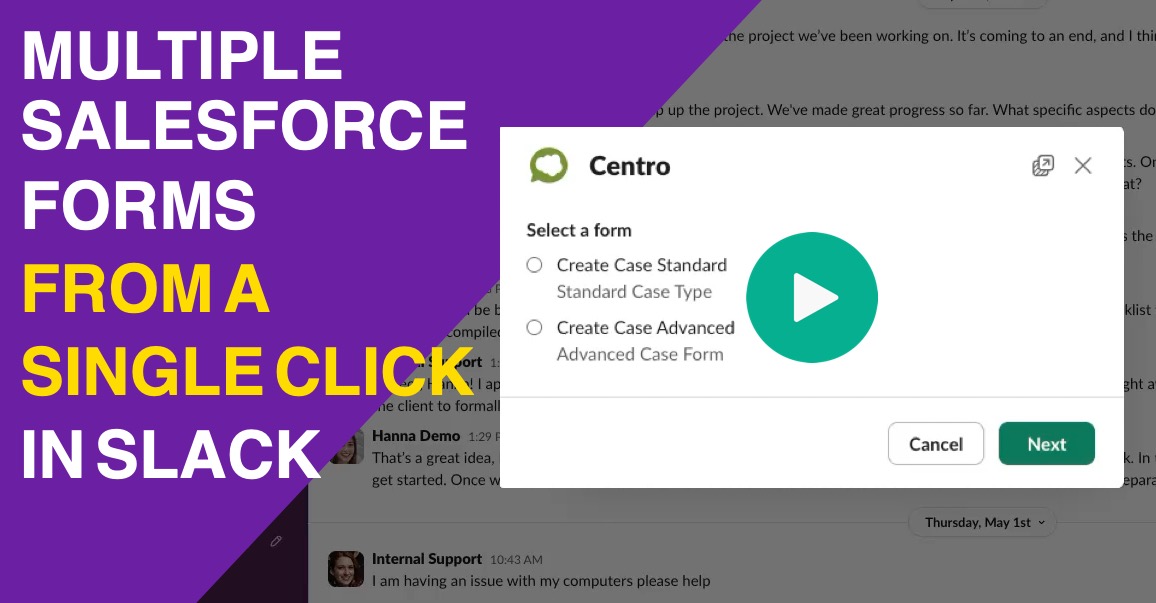
Teams can now create a central launcher in Slack that lets users choose from multiple Centro Forms in one place.
This reduces friction and removes the guesswork for end users.
Common scenarios include:
- IT or internal support menus
- Sales or deal desk requests
- HR or operations intake
Users don’t need to know which form to use—Centro guides them there.
🟣 Microsoft Teams Updates
Salesforce Channels for Microsoft Teams

Centro brings record-based collaboration directly into Microsoft Teams.
Teams can collaborate around Salesforce records inside Teams channels—without switching tools—while Salesforce remains the system of record.
Ideal for:
- Account teams
- Opportunity collaboration
- Case swarming
- Cross-functional workflows
This bridges the gap between structured CRM data and day-to-day team collaboration.
Agentforce in Microsoft Teams
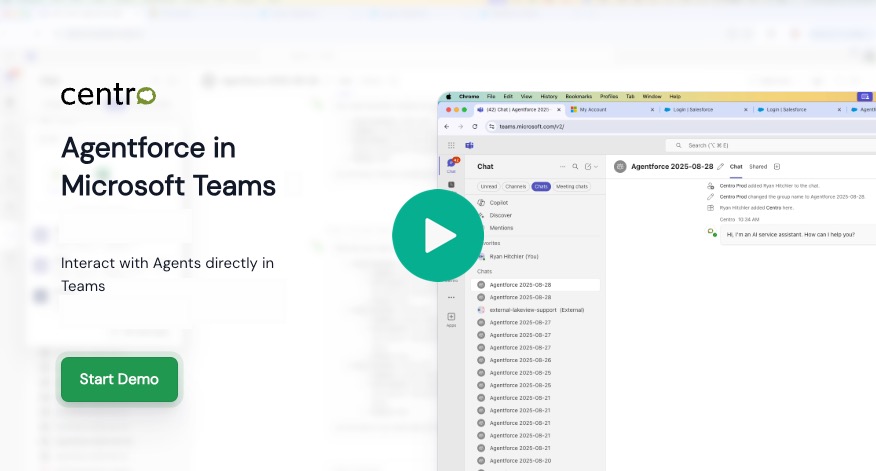
Agentforce can now be launched and used directly inside Microsoft Teams.
What’s possible:
- Launch Agentforce in 1:1 chats
- @mention agents in internal or shared channels
- Bring AI-assisted workflows into everyday Teams conversations
Agentforce now meets users where they already work—inside chat.
Teams Meeting Transcripts → Salesforce
Centro can automatically send Microsoft Teams meeting transcripts to Salesforce as soon as they’re available.
Transcripts are delivered as:
- A PDF file
- A platform event for downstream automation
Teams use this for:
- Sales calls
- Customer reviews
- Discovery meetings
- Compliance or record-keeping needs
No manual uploads. No waiting. Just clean, automated capture.
👀 See Something You Like?
If any of these updates spark ideas for how your team could work more effectively in Slack or Microsoft Teams, we’d love to show you what this looks like in your environment.
👉 Book a meeting with our team to see Centro in action across Slack, Microsoft Teams, and Salesforce.

