
Our office:
1495 Canyon Blvd
Suite 107
Boulder, CO 80302
info@centro.rocks



For IT and internal help desks
Employees file requests from the chat they already use. Your team works them as Salesforce Cases. Employees don't need a Salesforce license to file a request or follow its status.
Trusted by service teams at
Most internal help desks add another system for employees to learn and another license to pay for. Centro puts the request form in Teams or Slack and the ticket in Service Cloud, where your routing, SLAs, and reporting already live.
See the full comparison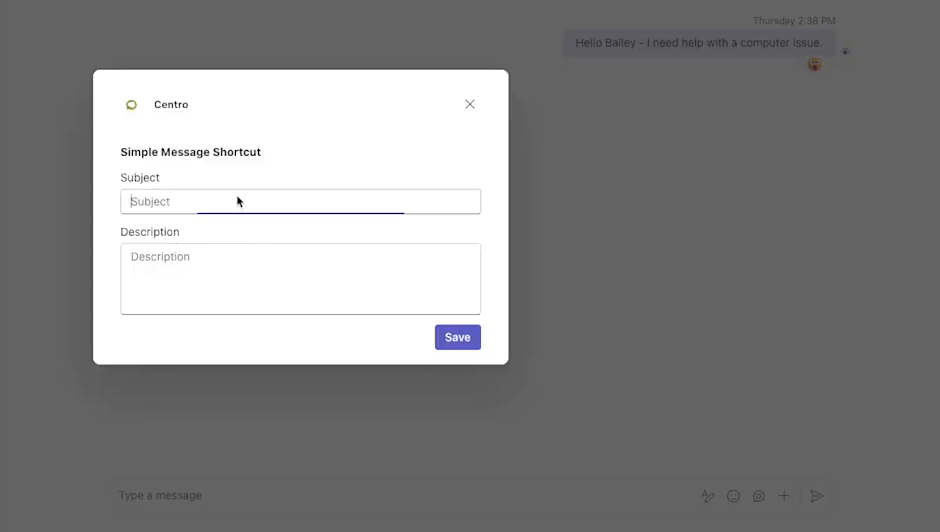

For every employee
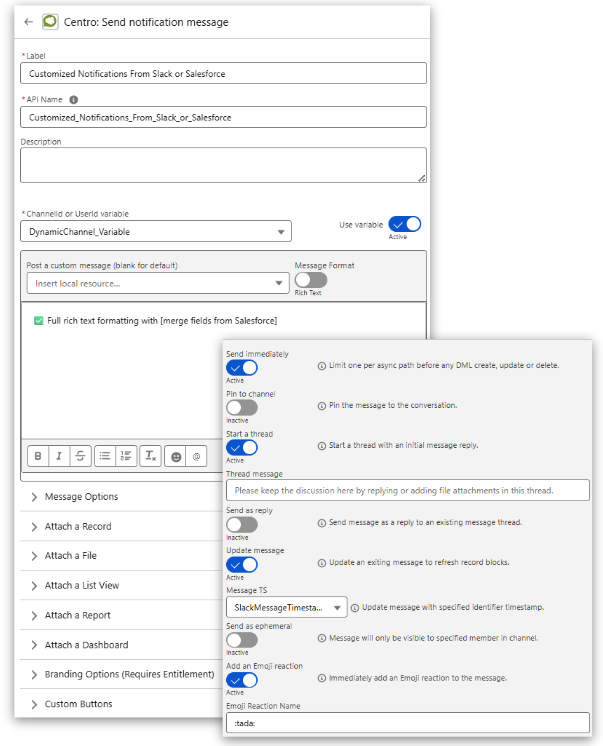
Help desks serve everyone, but Salesforce licenses usually go to the IT team only. With Centro, employees file and follow requests from Teams or Slack with no Salesforce license, and every request is attributed to the person who filed it.
Each request is logged to the employee who filed it, not a shared integration user.
Employees see only what your Salesforce configuration allows.
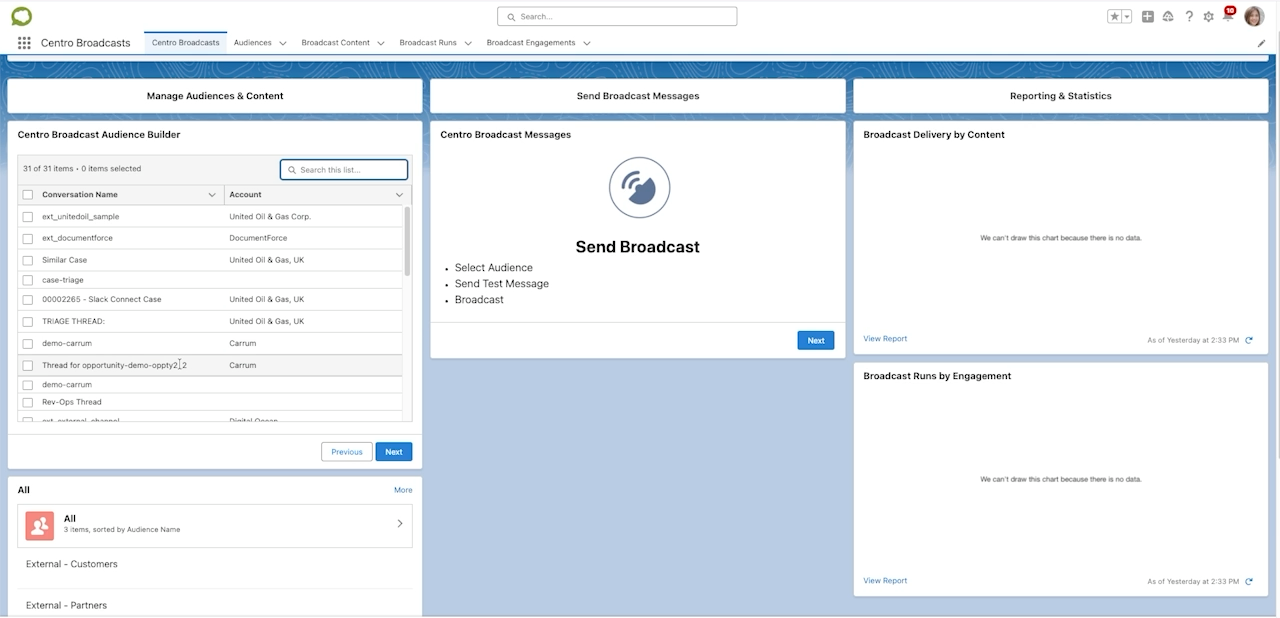
Volume, response times, and resolution data stay in Service Cloud reports and dashboards.
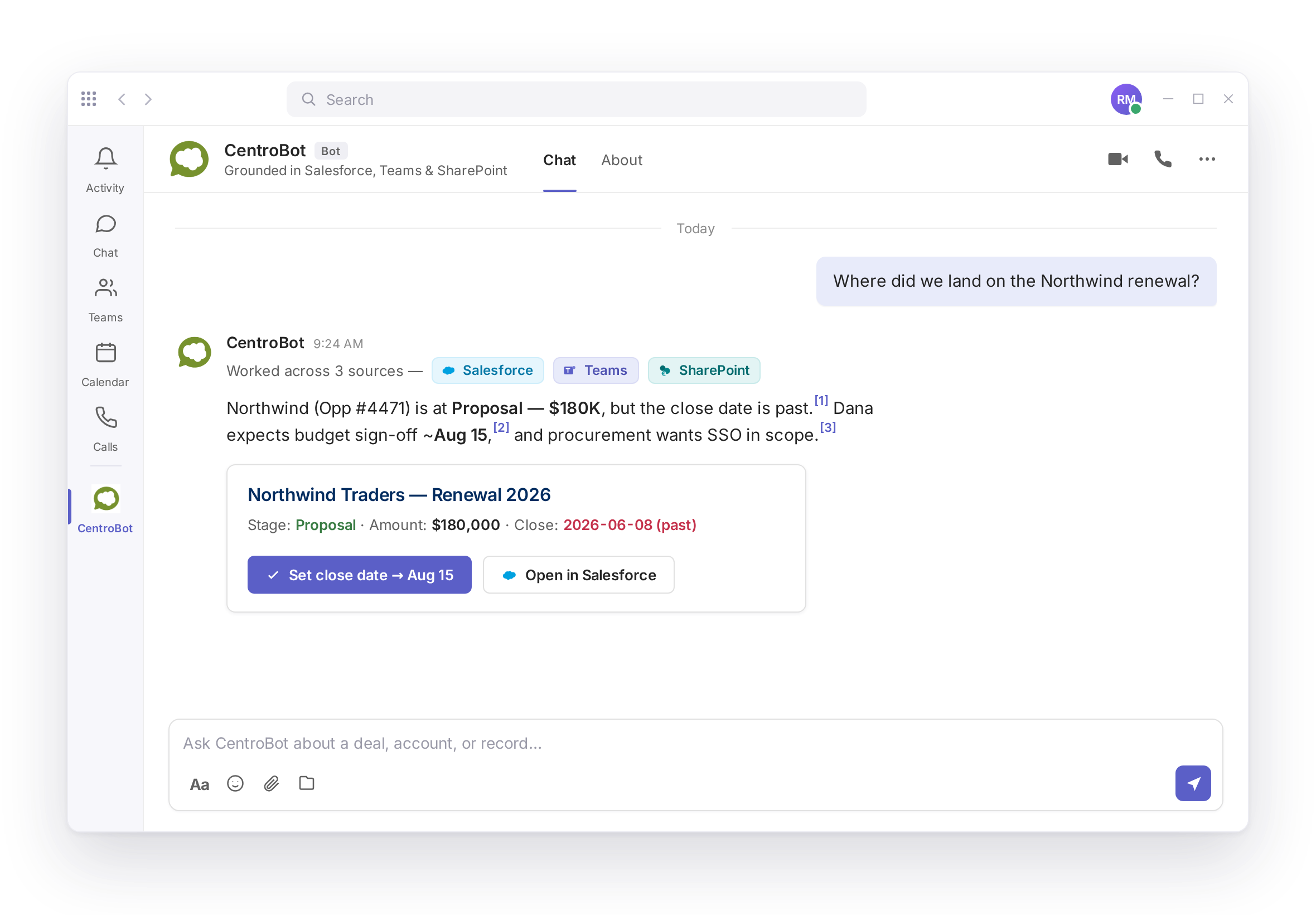
Yes. Employees open a Centro Form in Teams or use a message shortcut. The request is created as a Case in Service Cloud.
Yes. The same forms and shortcuts work in Slack. Files and context carry over to the Case.
No. Employees file and follow requests from Teams or Slack without a Salesforce license. Each request is attributed to the person who filed it.
Yes. The approver gets the request in Teams or Slack and approves or rejects it from the message. The decision is recorded in Salesforce.
No. Centro keeps no shadow data store. Records stay in your Salesforce org.
Plans and prices are listed on the pricing page.