
From Announcement to Action: How to Communicate with Customers in Slack Connect
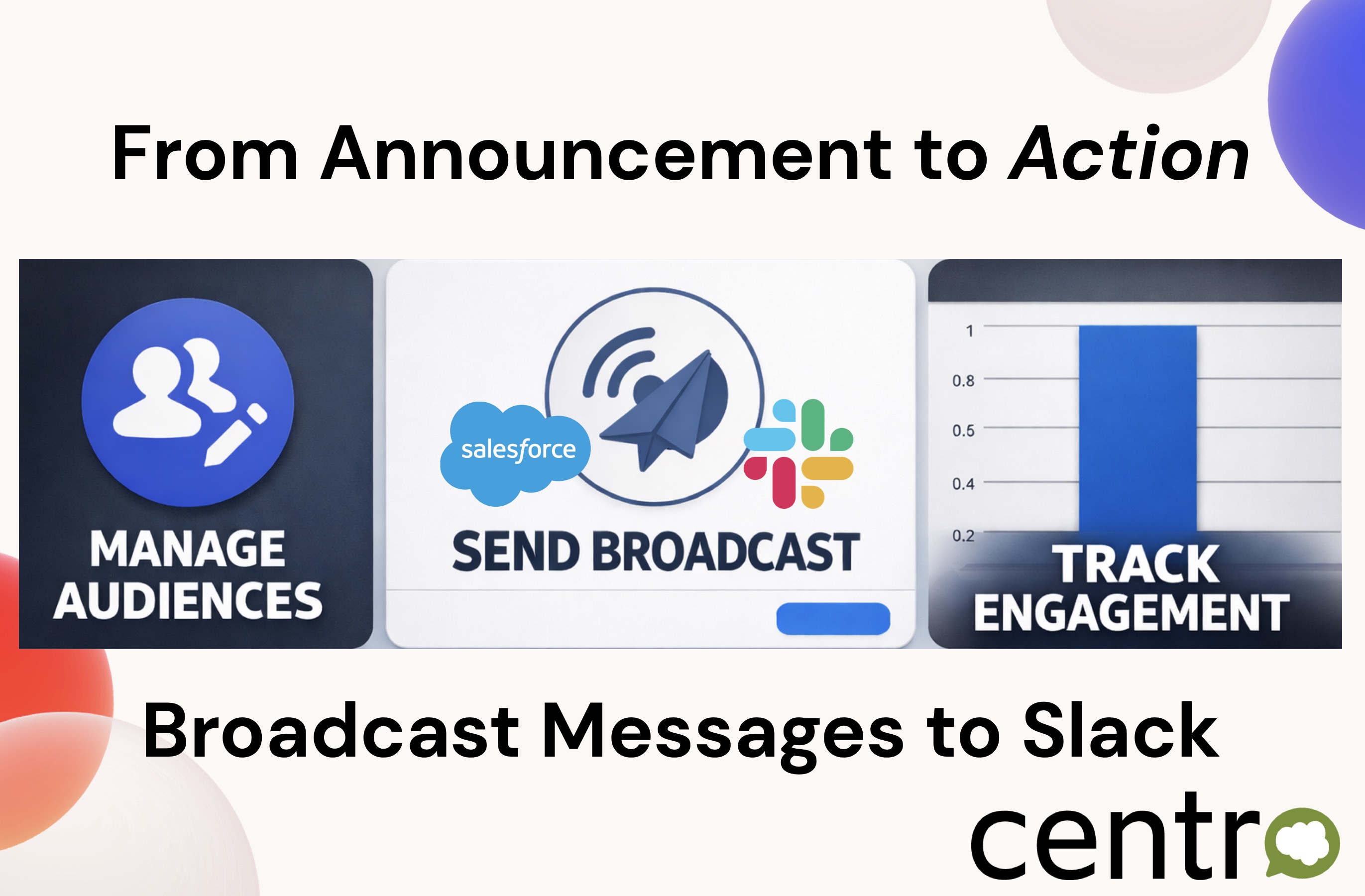
Slack Connect has changed how companies work with customers and partners.
Instead of email threads or support portals, teams now collaborate directly inside shared Slack channels. Product teams share updates, customer success teams coordinate onboarding, and service teams resolve issues faster — all in one place.
But as Slack Connect adoption grows, a new challenge appears:
How do you communicate important updates at scale without losing visibility or consistency?
Most announcements in Slack Connect are still manual, one-off messages — and once they’re posted, there’s little insight into what actually happened next.
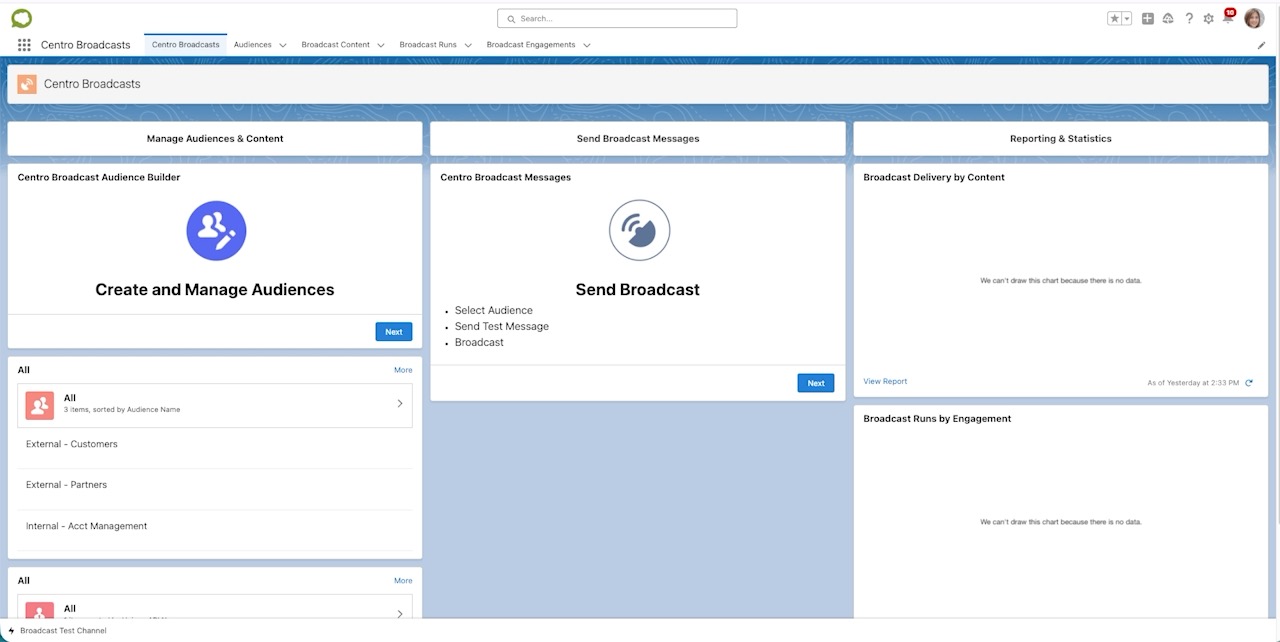
Centro Broadcasts were built to solve exactly this problem, all from a easy to use Salesforce interface.
The Challenge with Announcements in Slack Connect
Slack Connect works exceptionally well for conversations. It’s less effective for structured communication across many shared channels.
Teams commonly struggle with:
- Sending the same product update to dozens of customer channels
- Ensuring messaging stays consistent across accounts
- Knowing whether customers actually engaged with an update
- Following up with the right people after an announcement
- Reporting internally on communication effectiveness
The result? Important updates become just another message in a busy channel.
For customer-facing teams, that creates risk — especially during product releases, onboarding programs, or operational changes.
Turning Slack Connect into a Scalable Communication Channel
Centro Broadcasts extend Slack Connect beyond chat by introducing structured, trackable messaging.
Instead of posting updates manually, teams can send broadcasts to defined audiences that include both internal Slack channels and external Slack Connect channels.
This allows organizations to communicate broadly while still maintaining control and visibility.
With Centro Broadcasts, teams can:
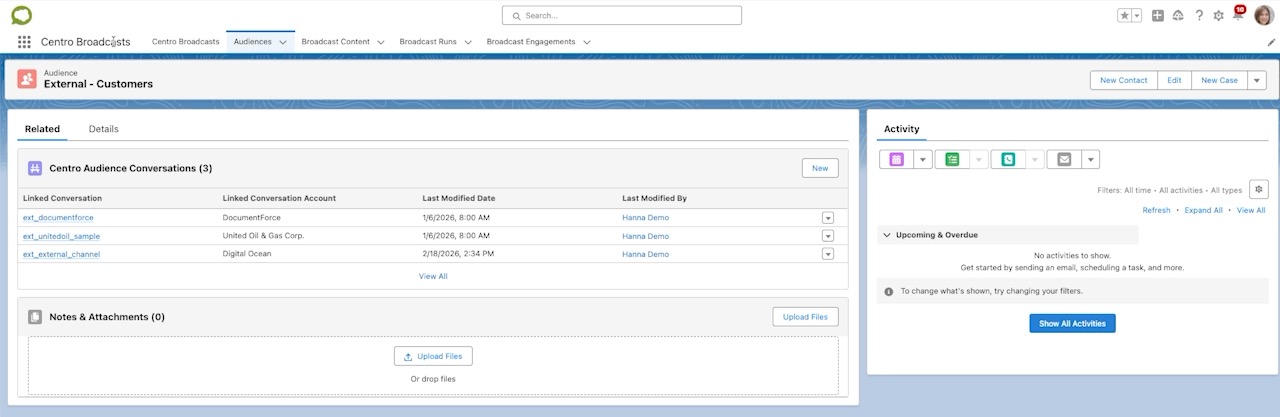
- Build audiences made up of Slack Connect customer channels
- Send consistent updates across many shared channels at once
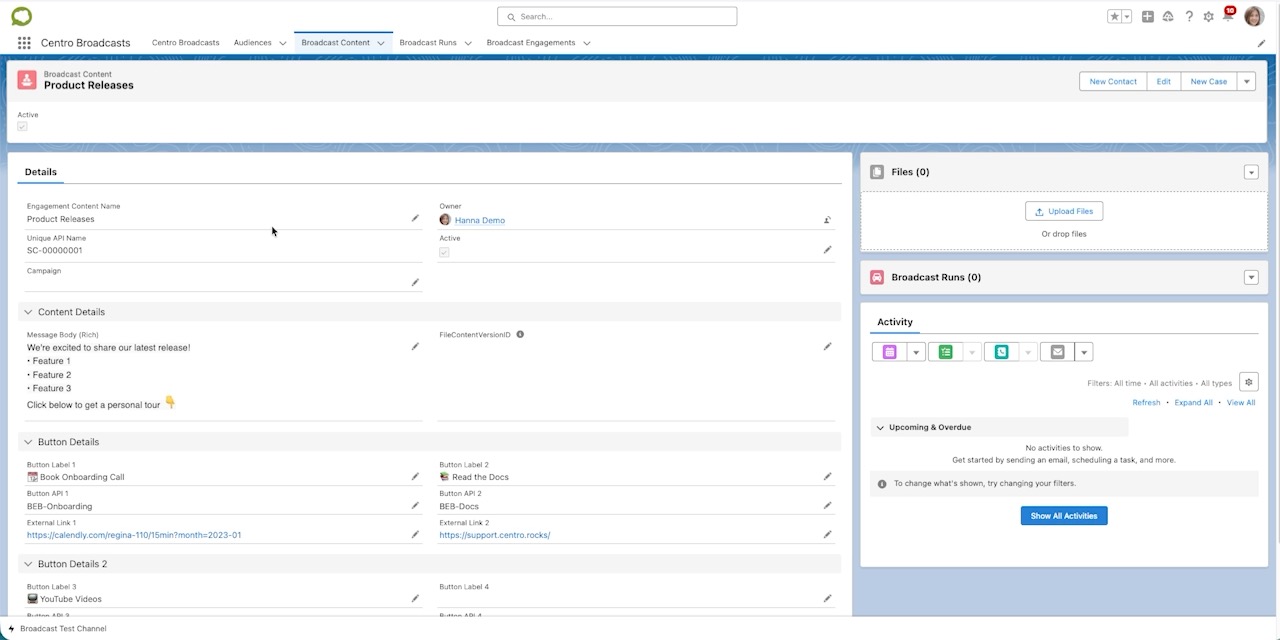
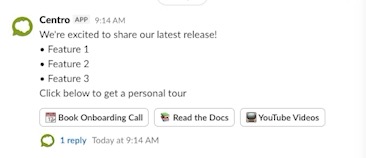
- Include rich content such as documents, links, and action buttons
- Track engagement and button clicks
- Report on broadcast performance
The goal isn’t to replace conversation — it’s to make important communication intentional and measurable.
Common Slack Connect Use Cases
Product Release Announcements
Share release notes, documentation, and training resources across all customer channels simultaneously while tracking engagement.
Customer Onboarding at Scale
Deliver onboarding checklists, videos, or scheduling links directly into shared Slack channels.
Operational or Maintenance Updates
Ensure every connected customer receives the same message without relying on manual posting.
Customer Success Enablement
Provide proactive guidance and resources while identifying which customers interact with updates.
Why Engagement Tracking Matters
One of the biggest gaps in Slack Connect communication is visibility.
When a message is posted manually, teams often don’t know:
- Who clicked the documentation link
- Which customers reviewed the update
- Where follow-up is needed
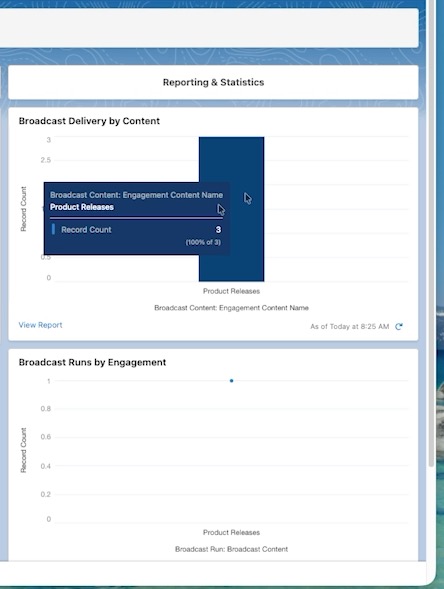
Centro Broadcasts provide reporting and engagement insights so teams can move from broadcasting information to driving action.
This enables customer success and service teams to prioritize outreach based on real interaction data instead of assumptions.
Slack Connect + Salesforce: A Natural Fit
For organizations already managing customer relationships in Salesforce, Slack Connect becomes even more powerful when communication is connected back to operational workflows.
Centro Broadcasts help bridge that gap by allowing teams to coordinate communication directly where collaboration already happens — inside Slack — while maintaining visibility into engagement.
The result is a more scalable approach to customer communication without adding new tools or processes.
Moving Beyond One-Way Announcements
Slack Connect has become a primary workspace for customer collaboration.
The next step is evolving from informal messaging to structured communication that drives outcomes.
When announcements are targeted, actionable, and measurable, teams can:
- Communicate consistently
- Reduce missed updates
- Improve customer engagement
- Follow up intelligently
In short, organizations move from announcement to action.
See Centro Broadcasts in Action
Watch a quick walkthrough of how Centro Broadcasts help teams communicate across Slack Connect and internal Slack channels while tracking engagement.
👉 From Announcement to Action: Broadcasting Messages in Slack – Centro Broadcasts

